

Key Takeaways
- RAM determines how many tasks a phone can juggle simultaneously, not how fast it runs.
- Processor GHz indicates clock speed, but core count and architecture matter just as much.
- Battery capacity (mAh) measures stored energy, not necessarily how long a charge actually lasts.
- Display brightness (nits) affects visibility outdoors more than it affects indoor picture quality.
- Storage capacity and RAM are two completely separate specs that serve different functions.
- No single spec defines a phone's overall quality — the combination of components matters most.
Smartphone Specifications
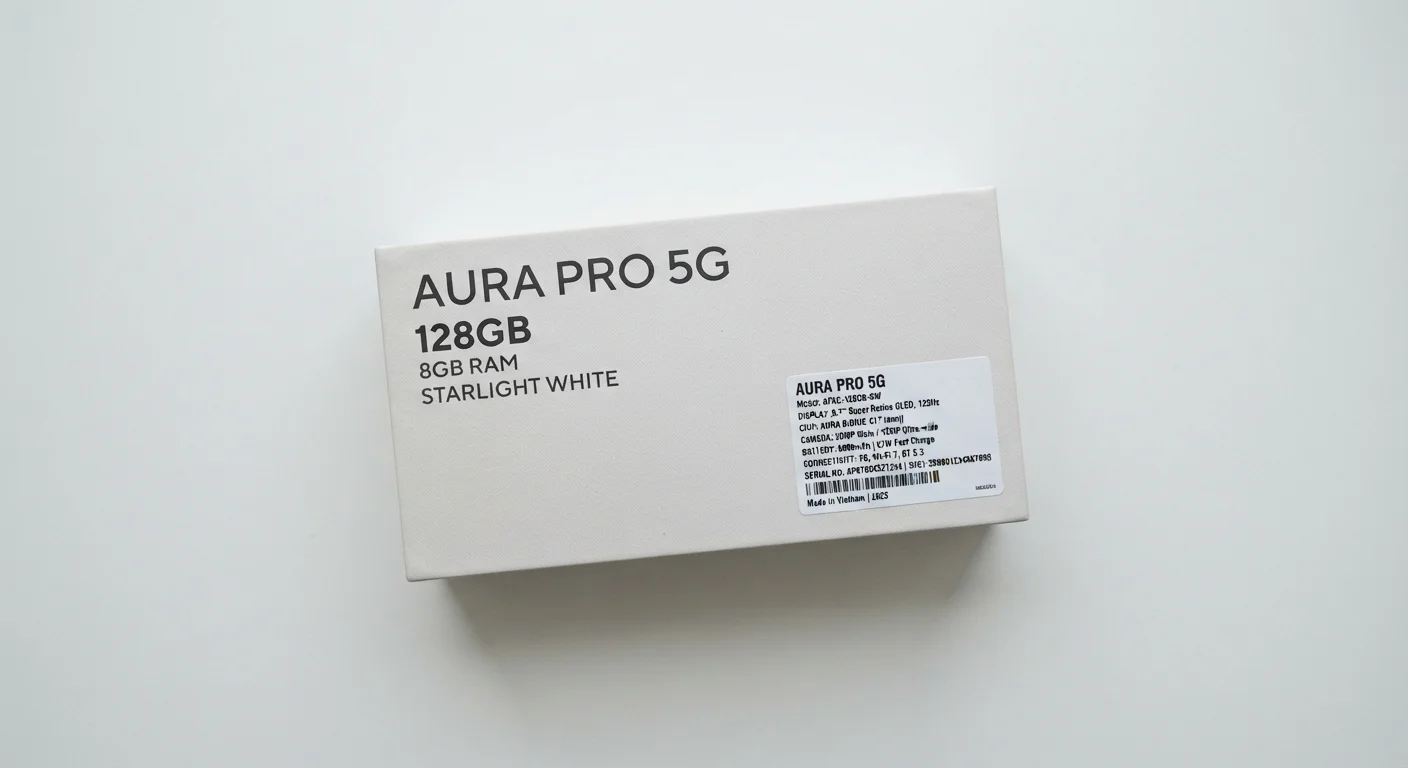
Smartphone specifications (or "specs") are the technical measurements printed on a phone's packaging or product listing that describe its hardware capabilities. Numbers like RAM, GHz, mAh, and nits each measure a specific component. Understanding what each number actually represents helps you evaluate whether a phone will perform the way you need it to.
Specs describe theoretical maximums under controlled conditions; real-world performance also depends on software optimization, thermal management, and how individual components interact.
RAM: Your Phone's Multitasking Muscle
RAM stands for RAM — the short-term memory your phone uses to keep active apps running smoothly. When you switch from your email to a map app and back without reloading, that's RAM at work. More RAM generally means a smoother experience when switching between multiple apps, but the relationship isn't linear: software efficiency plays a large role too.
Most users find that phones with 6–8 GB of RAM handle everyday multitasking well. Power users who run many apps simultaneously, game heavily, or edit video may benefit from higher amounts. Importantly, RAM is completely separate from the storage space where your photos and downloaded files live — don't confuse the two.
For a deeper comparison of how RAM works across different device categories, see what those laptop specs actually mean.
Match Specs to How You Actually Use Your Phone
Rather than chasing the highest number in every category, identify the one or two tasks you do most — streaming video, photography, gaming, or long workdays away from a charger. Prioritizing specs tied to those specific uses leads to a more satisfying experience than optimizing for specs you'll rarely stress. For first-time buyers navigating these decisions, this guide for first-time smartphone buyers walks through every key choice in plain language.
Processor Speed and Cores: What GHz Really Tells You
The processor — sometimes called a chipset or SoC on smartphones — is the brain of the device. Two numbers describe it most often: clock speed (measured in GHz) and core count. GHz indicates how many processing cycles occur per second; more cores mean the chip can handle multiple tasks at the same time on separate "lanes."
Here's the nuance most spec sheets skip: architecture matters enormously. A newer chip design running at a lower GHz can outperform an older chip at higher GHz while also consuming less battery power. Efficiency cores — found on many modern mobile processors — handle routine tasks on less power, reserving high-performance cores for demanding workloads. This is why two phones with similar clock speeds can feel noticeably different in daily use.
If you want a plain-language breakdown of how processor architecture works, this CPU explainer covers it without the engineering jargon.
~30%
Battery life variation from display settings alone
Industry testing has shown that reducing screen brightness and refresh rate can extend battery life by roughly 25–35% depending on device, illustrating how one spec interacts with another.
8
Typical core count on a modern flagship SoC
Most current flagship mobile processors use a multi-cluster design with a mix of high-performance and efficiency cores to balance speed and battery consumption.
Battery Capacity, Display Brightness, and Storage: The Rest of the Box
mAh (milliampere-hours) measures how much energy a battery holds. A higher mAh number generally correlates with longer runtime, but screen size, display resolution, and processor efficiency all affect how quickly that energy drains. A large, bright display can exhaust a high-capacity battery faster than a smaller screen drains a modest one.
Nits measure display brightness. Higher nit values make a screen readable in direct sunlight; indoor use rarely demands peak brightness. This spec is especially worth noting if you spend significant time outdoors or in brightly lit spaces.
Storage — listed in GB or TB — is where everything you save lives permanently: apps, photos, music, documents. Unlike RAM, this doesn't affect speed directly; it's purely about space. Some phones accept microSD cards to expand storage; others do not, so it's worth checking before you assume you can upgrade later.
Megapixels in the camera spec describe sensor resolution, not overall photo quality. Aperture (the f-number), sensor size, and image processing software influence image quality as much as pixel count — particularly in low light.
For a broader reference on specs you'll encounter across phone listings, the phone glossary of 40 spec sheet terms covers everything from AMOLED to IP68 in plain language. And if you're evaluating how long a phone's hardware will stay capable over time, what shortens a smartphone's life is a useful companion read.
Specs Vary by Region and Carrier
Some phones are sold in multiple hardware variants depending on the country or carrier. Processor models, supported cellular bands (which affect network compatibility), and even RAM configurations can differ between versions of what appears to be the same device. Always verify that the specific model number you're considering supports the bands used by your carrier, particularly if purchasing from an international retailer.