

Key Takeaways
- The CPU is the core decision-making chip that runs every task on your computer or phone.
- Clock speed measures how many cycles a processor completes per second — higher generally means faster.
- Cores let a processor handle multiple tasks simultaneously, not just one at a time.
- Threads are virtual lanes that help each core manage more than one task stream.
- More cores and higher clock speed don't always translate to better real-world performance — workload matters.
Computer Processor (CPU)
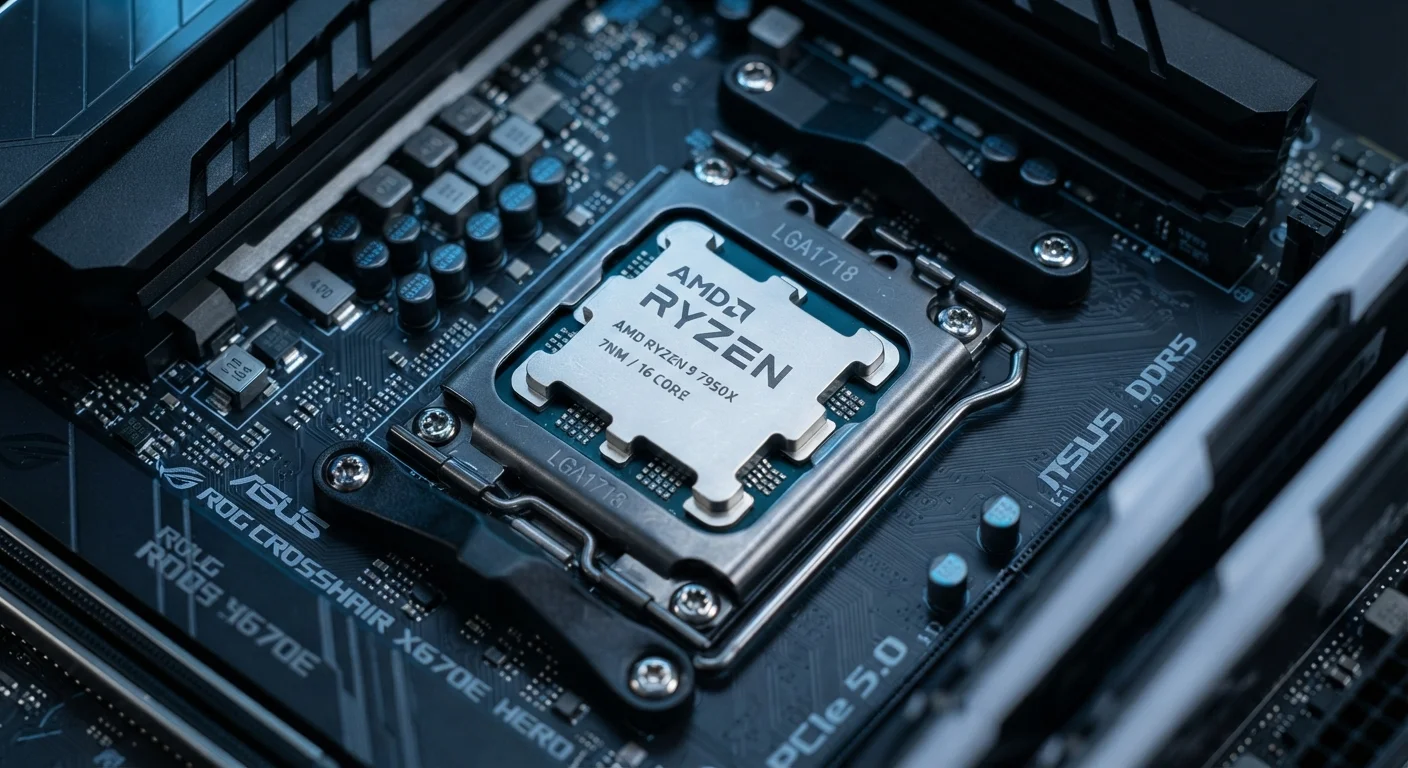
A CPU, or Central Processing Unit, is the main chip inside a computer or phone that carries out instructions. It reads input, performs calculations, and sends results to memory, storage, or your screen — billions of times per second. Everything you do on a device, from opening a browser tab to editing a photo, runs through the processor.
Modern CPUs execute instructions using transistors etched at nanometer scale; a single chip can contain tens of billions of these microscopic switches.
What the CPU Actually Does All Day
Think of the CPU as a very fast, very tireless manager. Software sends it instructions — "open this file," "play this video," "run this calculation" — and the processor executes them in sequence, passing results along to wherever they're needed. This cycle happens so rapidly that from a human perspective it feels instant.
Every program you run is ultimately a list of instructions written in code. The CPU reads those instructions, decodes them into operations it understands, executes the operations, and writes the results back to memory or sends them to output devices like your display. This four-step loop — fetch, decode, execute, store — is the heartbeat of every modern processor.
To understand how this affects you day-to-day, it helps to know three key terms: clock speed, cores, and threads. Each one describes a different dimension of how much work a processor can get done.
Clock Speed, Cores, and Threads — Explained Simply
Clock speed is measured in gigahertz (GHz) and reflects how many instruction cycles the processor completes each second. A 3.5 GHz processor completes 3.5 billion cycles per second. Generally, a higher clock speed helps with tasks that run largely in sequence — like loading a single web page or launching an application.
Cores are independent processing units built into the same chip. A quad-core processor has four cores, meaning it can genuinely work on four separate tasks at the same time — not just switching between them rapidly, but running them in parallel. This matters when you're editing a video while your antivirus scans in the background.
Threads are software-level task streams. Most modern processors support two threads per core through a technology called simultaneous multithreading (Intel calls theirs Hyperthreading). This helps each core stay productive by switching between two instruction streams rather than sitting idle between tasks.
~1 nm
Smallest modern chip transistor size
Leading chip manufacturers have announced production at or near 1–2 nanometer process nodes, compared to 90 nm chips common in the early 2000s.
2–3x
Typical performance gain per generation
Chip designers have historically targeted roughly a doubling of transistor density and meaningful performance gains with each new manufacturing generation, per long-standing industry benchmarking patterns.
16+
Cores in high-end consumer desktop CPUs
Consumer-grade desktop processors with 16 or more cores are now widely available, a feature that was exclusive to server hardware a decade ago.
If you want a plain way to think about it: clock speed is how fast one worker moves, cores are how many workers you have, and threads are how efficiently each worker juggles multiple to-do lists.
How Processor Specs Affect Real-World Use
Specs on a box only tell part of the story. A processor's architecture — the internal design and manufacturing process — determines how efficiently it turns clock cycles into actual work. A newer, more efficient chip at 3.0 GHz can outperform an older chip at 4.0 GHz on identical tasks.
Thermal design also matters. A processor that runs hot will reduce its own clock speed automatically — a safety mechanism called thermal throttling — which means real-world performance can dip below what the spec sheet suggests if the device can't cool the chip effectively.
For a deeper look at how these same principles apply to phones, see our plain-language smartphone specs guide — many of the same CPU concepts carry over to mobile chips. And if you're evaluating a laptop purchase, our guide to laptop specs shows how the processor interacts with RAM and storage in practice.
Match CPU Specs to Your Actual Workload
Before focusing on a processor's spec numbers, identify what you actually do most on a computer. Light users — browsing, streaming, basic documents — rarely benefit from high core counts or premium clock speeds. Prioritize CPU performance mainly if you plan to edit media, run simulations, or keep many demanding apps open at once.