

Key Takeaways
- Most smartphones are designed to remain functional for roughly 3 to 5 years under normal use.
- Battery degradation is the single most common reason phones feel sluggish or unreliable before their time.
- Software support cutoffs — not hardware failure — often determine when a phone becomes genuinely obsolete.
- Heat exposure, charging habits, and physical damage are the leading causes of premature wear.
- Simple habits like using a case and avoiding extreme temperatures can meaningfully extend device life.
What a Realistic Phone Lifespan Actually Looks Like
The average smartphone is engineered to handle roughly three to five years of daily use before hardware limitations start to meaningfully affect the experience. That range isn't arbitrary — it reflects the typical degradation curve of lithium-ion batteries, the pace of software updates, and the physical wear patterns of a device carried in pockets and bags every day.
That said, "functional" and "optimal" aren't the same thing. A phone may still power on and make calls at year four, but if it no longer receives security updates, struggles to run current apps, or takes 90 minutes to charge to 60%, it has effectively reached end-of-life for most users' needs. For context on what to look for if you're evaluating an older device, see our checklist for used and refurbished phones.
Premium devices tend to receive longer manufacturer software support windows — often four to six years of security patches — which can push the useful life of a well-maintained phone closer to that upper bound. Budget models may lose update support in two years or less, accelerating the obsolescence timeline regardless of physical condition.
The Factors That Wear Phones Out Early
Understanding what degrades a phone helps you make deliberate choices rather than passive ones. Several factors consistently shorten device life across all makes and categories.
Avoid exposing your phone to sustained heat
Heat is the primary accelerant of lithium-ion battery degradation. Repeated exposure above roughly 95°F (35°C) can permanently reduce battery capacity faster than almost any other factor. It also stresses internal components like the processor and display.
Charge to around 80% regularly rather than always reaching 100%
Lithium-ion batteries experience more chemical stress at the very top and very bottom of their charge range. Keeping the battery in a middle range — roughly 20% to 80% — slows the cycle degradation that shrinks maximum capacity over time.
Use a protective case and screen protector from day one
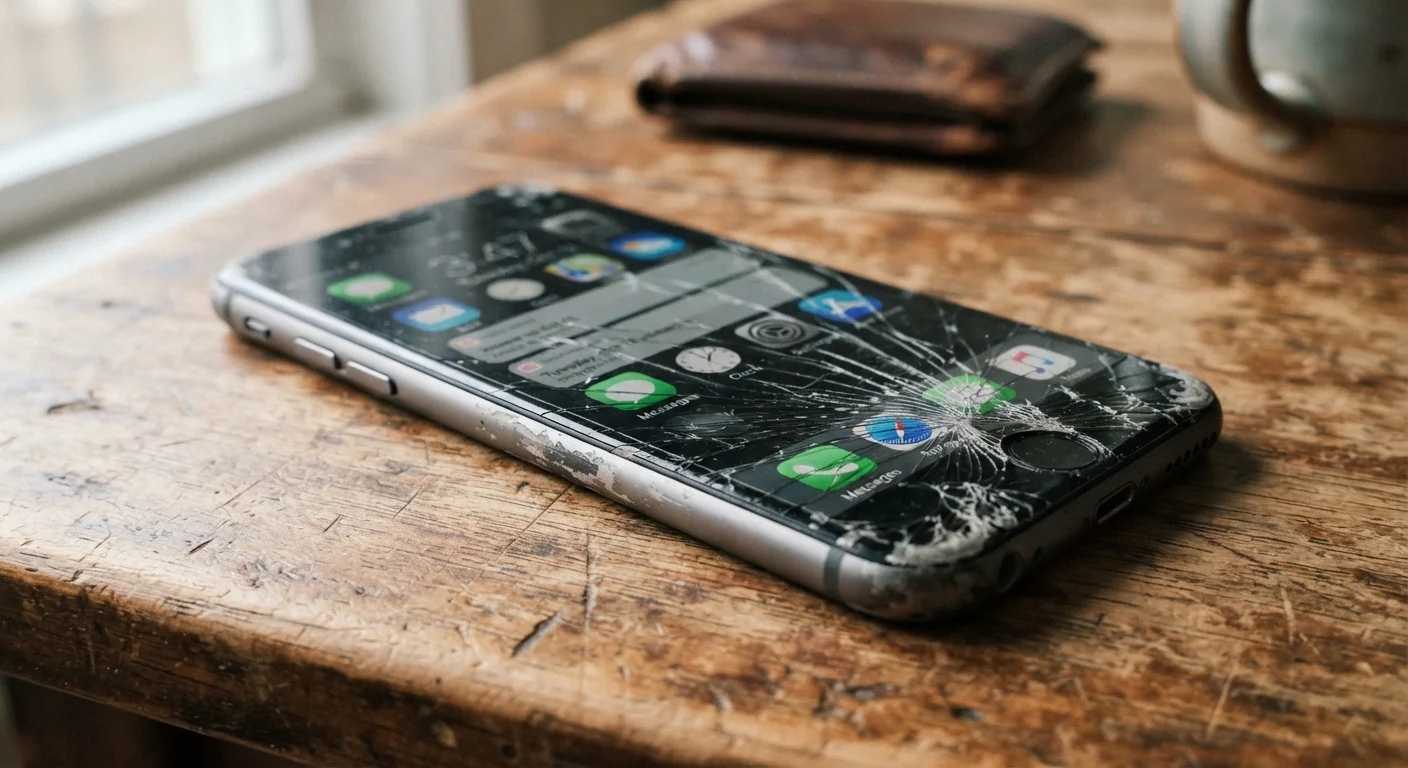
Drops and impacts are the leading cause of non-battery hardware damage. Even minor cracks in a display can allow moisture ingress, interfere with touch sensitivity, and worsen rapidly under continued pressure. A case absorbs shock before the chassis does.
Keep internal storage from filling completely
When a phone's storage is nearly full, the operating system has less room to write temporary files, manage app caches, and perform background maintenance tasks. This leads to slowdowns that users often mistake for hardware aging, but are actually software congestion.
Install software updates promptly
Manufacturer and operating system updates frequently include performance improvements, memory management fixes, and security patches. Skipping them leaves a device more vulnerable and often running less efficiently than the current software would allow.
Battery health deserves special attention because it's both the most common failure point and the most misunderstood. Our deeper look at why phone batteries drain quickly walks through the specific habits and settings that accelerate degradation.
Quick Habits That Protect Your Investment
Thinking of a smartphone as a durable good — rather than a disposable gadget — shifts how you treat it day to day. The complete phone ownership roadmap covers everything from setup to eventual recycling if you want a broader framework.
Check Your Battery Health Periodically
Both iOS and Android provide battery health indicators in settings. On iOS, navigate to Settings > Battery > Battery Health & Charging. Android users can find similar data in Settings > Battery, though the exact path varies by manufacturer. A battery retaining less than 80% of its original capacity is a common threshold at which noticeable performance changes begin. Checking once every six months gives you an early warning before problems become disruptive.
When Age Is Software, Not Hardware
One underappreciated reason phones feel "old" has nothing to do with physical wear. When a manufacturer stops releasing software updates, the device becomes increasingly incompatible with new apps, unable to receive security patches, and prone to performance issues as background processes multiply without optimization.
Software Support Windows Vary Widely
Manufacturers differ significantly in how long they commit to providing operating system and security updates. Some vendors pledge five or more years of updates; others provide as few as two. This information is typically published in a device's official product page or support documentation. Checking the committed update window before purchase — not after — is one of the clearest indicators of long-term value.
This is why the number of guaranteed software update years is worth factoring in when evaluating any phone — it directly shapes how long the device will remain safe and capable. Longevity also has real financial implications: extending a phone's life by even one year can reduce your annual device cost considerably, which connects directly to smart budgeting principles for planned purchases.
3–5 years
Typical smartphone useful lifespan
Industry analysts and manufacturer support timelines consistently point to this window as the practical lifespan for most consumer smartphones under normal use conditions.
~500 cycles
Lithium-ion battery rated charge cycles
Most smartphone batteries are rated for approximately 300–500 full charge cycles before capacity drops to around 80%, though real-world results vary with temperature and charging habits.