

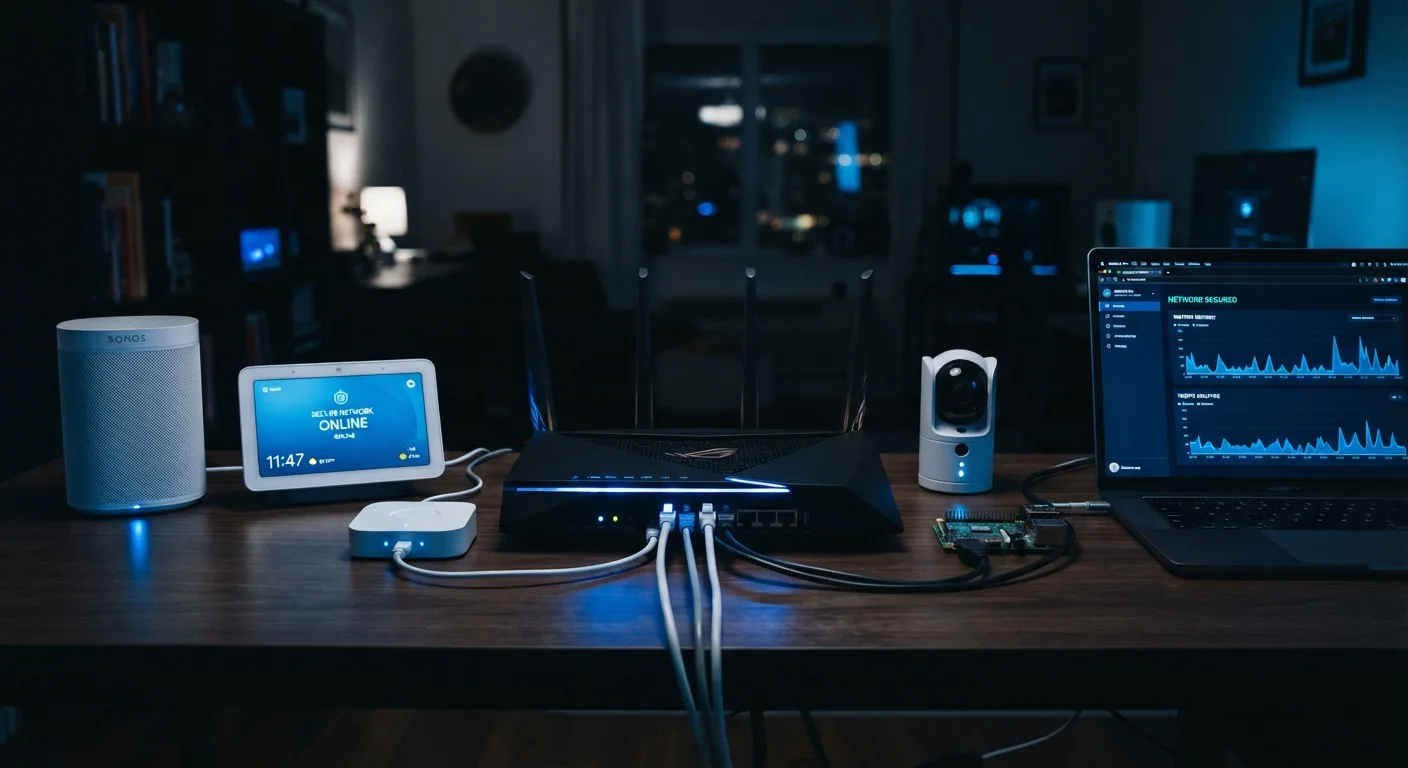
Key Takeaways
- Firmware updates are your first line of defense — enable automatic updates wherever possible.
- Isolating smart devices on a separate network segment limits damage if one device is compromised.
- Default credentials on smart devices are a known attack vector; change them immediately at setup.
- Periodically auditing which devices are connected to your network helps catch forgotten or rogue devices.
- Devices that no longer receive security patches from their manufacturer become long-term liabilities.
Why Smart Home Security Is an Ongoing Practice
Setting up a smart home device takes an afternoon. Keeping it secure requires consistent habits over months and years. Unlike a laptop or phone that you actively use and update, smart home devices — locks, cameras, thermostats, plugs — often run silently in the background, making them easy to forget from a security standpoint.
That invisibility is exactly what makes them attractive targets. Attackers scan for devices with outdated firmware, default passwords, or poor network configuration. If you're new to home automation, building good security habits from the start is far easier than retrofitting them later.
The practices below don't require technical expertise — they require routine attention. Think of smart home security less like a one-time setup and more like changing smoke detector batteries: scheduled, deliberate, and non-negotiable.
Core Practices for Long-Term Device Security
These recommended approaches address the most common vulnerabilities in home smart device ecosystems.
Enable automatic firmware updates on every device that supports them
Firmware updates frequently contain patches for security vulnerabilities discovered after a device ships. Delaying or skipping updates leaves known attack vectors open. Manufacturers don't always publicize which updates are security-related, so enabling automatic updates removes the burden of manually tracking patch releases.
Place smart home devices on a dedicated network segment, separate from computers and phones
Network segmentation — typically via a guest network or a VLAN (virtual local area network) on your router — limits lateral movement if one device is compromised. An attacker who gains access to a smart plug, for instance, should not be able to reach your laptop or NAS (network-attached storage) device on the same network.
Replace all default usernames and passwords at initial setup
Default credentials for many smart home devices are publicly documented and actively exploited by automated scanning tools. Changing them immediately at setup is one of the highest-impact, lowest-effort security steps available. Use a password manager to generate and store strong, unique credentials for each device or associated account.
Audit your connected device inventory at least twice a year
Smart home networks accumulate devices — including forgotten ones. An older device you no longer actively use may still be online, unpatched, and accessible. A regular audit helps you identify devices to update, reconfigure, or decommission. This also surfaces unauthorized devices that may have joined your network.
Review app permissions and third-party integrations annually
Smart home ecosystems often connect through cloud accounts, voice assistants, and third-party automation platforms. Permissions granted during initial setup may be broader than necessary and can persist long after you've stopped using a particular integration. Reviewing and revoking unnecessary access reduces your account's attack surface.
Quick Actions You Can Take Today
You don't need to overhaul your entire setup to meaningfully reduce your exposure. Start with these immediately actionable steps.
For households with security cameras specifically, it's worth reviewing what camera specs don't tell you — including privacy trade-offs and storage considerations that affect long-term security posture.
When a Device Becomes a Liability
Not every smart home device ages gracefully from a security perspective. Manufacturers typically provide firmware and security patches for a defined support window. Once a device reaches end-of-life — meaning the manufacturer no longer issues updates — it becomes an increasing risk the longer it stays connected.
End-of-Life Devices and Security Risk
When a manufacturer ends support for a device, it no longer receives security patches — even if critical vulnerabilities are later discovered. There's no universal rule for how long support lasts; it varies widely by manufacturer and product line. Check the manufacturer's website or support documentation to find the stated support window for devices you own. A device that worked perfectly for five years can become a network liability the moment its patch cycle ends.
The same principle applies broadly to home technology. Just as ongoing maintenance keeps a laptop performing well, proactive habits extend both the security and usefulness of smart home hardware. When a device can no longer receive patches, the question isn't whether to replace it, but when. Balancing cost against risk is a personal decision — but ignoring the issue entirely isn't a neutral choice. If you want to pressure-test your assumptions about what smart home devices actually do, common misconceptions examined against the evidence is worth reading alongside this guide.