

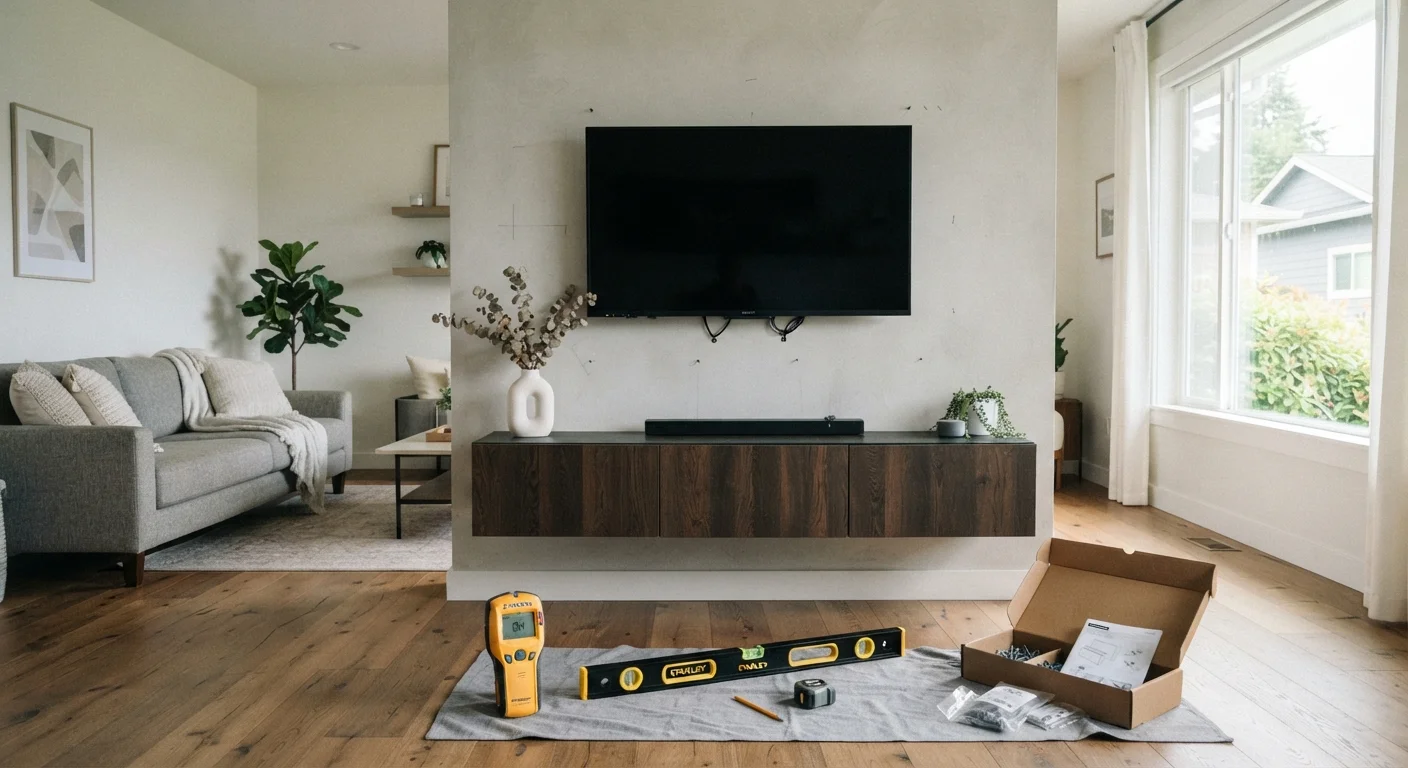
Key Takeaways
- Always locate wall studs before drilling — drywall anchors alone are rarely sufficient for television weight.
- Viewing height and angle matter as much as mount type; measure before you commit.
- Cable management should be planned before mounting, not after — running wires through walls requires its own preparation.
- Wall material (drywall, brick, concrete, plaster) determines which hardware and drill bits you need.
- Power outlet and HDMI source locations affect where the TV can realistically be placed.
Summary
22 items · 30–60 minutes
Why Pre-Installation Planning Matters
Mounting a television looks straightforward until something goes wrong — a mount that doesn't line up with studs, cables that can't reach, or a viewing angle that strains your neck within a week. A few systematic checks before you pick up a drill eliminate most of those problems before they start.
This checklist walks through every room-related factor that affects a successful TV mount: wall structure, sight lines, power access, and cable routing. It applies whether you're mounting in a living room, bedroom, kitchen, or any other space. Work through each group in order, and you'll go into installation day with no surprises.
Stud Finder
Locates wall studs and detects hidden wiring or pipes before you drill.
Power Drill & Drill Bit Set
Drives lag bolts or anchors into studs or masonry; bit type must match wall material.
Bubble Level
Ensures the mount sits perfectly horizontal before you tighten final screws.
Tape Measure
Confirms VESA dimensions, stud spacing, viewing distance, and mounting height.
Cable Raceway Kit
Provides a surface-mount channel to conceal wires without cutting into drywall.
In-Wall Power Kit
Routes power safely through the wall cavity in compliance with most electrical codes.
Working Through the Checklist
Start with the wall itself — no other planning matters if the structure can't support the load. Once you've confirmed safe mounting points, move outward to viewing ergonomics, then inward to the practical details of power and cable routing.
Wall & Structural Assessment
Viewing Position & Ergonomics
Mount Selection
Power & Cable Management
Tools & Hardware Preparation
Room-Specific Considerations
Running Power Inside Walls: Know Your Local Code
Many jurisdictions prohibit running standard extension cords inside wall cavities because they lack the thermal protection of in-wall rated cable. Violations can affect home insurance claims or future home inspections. Research your local electrical code or consult a licensed electrician before cutting any wall access for power routing.
Room-specific items at the end of the checklist are easy to overlook because they feel secondary, but above-fireplace placement and high-humidity rooms carry real risks to your equipment. Treat those items as mandatory if they apply to your space.
If you're still weighing where to budget for the installation — mount hardware, cable management, or potentially hiring a professional for the electrical work — a structured approach to your finances helps. See our monthly budget audit guide to make sure the project fits your plan. And once you're ready to purchase a mount, comparing prices the right way ensures you're accounting for total cost, not just sticker price.
Never Skip the Stud Check
A television hung on drywall alone — without hitting at least two studs — is a serious safety hazard. Drywall anchors have weight limits far below most modern TVs and are not a substitute for stud-mounted lag bolts. Always confirm stud location with a physical tool, and drive a small test screw to verify before committing to the full mount installation.
Above-Fireplace Mounting Carries Real Risk
Positioning a television above a working fireplace is one of the most common installation mistakes. Heat rises directly into the TV cabinet, and sustained temperatures above manufacturer specifications can degrade the panel, electronics, and warranty coverage. Check your fireplace's heat output and your TV's maximum operating temperature before choosing this location.